Guide
EPUB, PDF or DOCX: which file goes where
One book, several files. Each store takes its own formats and runs its own checks, and the paperback needs a cover of its own, sized from the page count.
Which file is for what
- EPUB: the standard ebook format. Upload it to Amazon KDP, Apple Books, Kobo and most stores.
- PDF: for print previews, direct sales and lead magnets.
- DOCX: a Word file accepted by KDP and easy to hand to an editor.
- Paperback cover: one 300 dpi PDF with the back cover, a spine sized from the page count and paper (white or cream), and the front cover, with 0.125 in of bleed. Trim is 6 x 9 in. Built from the Print (paperback) panel on the book page.
What each store accepts
- Amazon KDP: EPUB, DOCX, KPF and other formats. EPUBCheck is not required; Amazon recommends Kindle Previewer.
- Apple Books: EPUB 3, checked by Apple’s Transporter.
- Google Play Books: an EPUB validated by EpubCheck, with the cover and the complete book (no sample), under 2 GB.
- Kobo Writing Life: DOC, DOCX, ODT, EPUB or MOBI, up to 100 MB. Critical validation errors block publishing.
- Barnes & Noble Press: an EPUB that passes EPUBCheck, with a title page.
File size has a price on KDP: Amazon lists a delivery fee of US$0.15 per MB.
The paperback
Build the paperback wrap cover
In the Print (paperback) panel, choose White paper or Cream paper and press Build paperback cover. EbookForge draws one sheet, back cover, spine and front cover, from the current cover and the book's blurb, sizes the spine from the page count of the interior PDF (building it first if needed) and the paper, adds 0.125 in of bleed on every side and leaves a white barcode box on the back. The trim is 6 x 9 in. The panel shows the spine, trim and full wrap sizes once built; it needs a cover to exist and, like every export, waits until generation has finished.
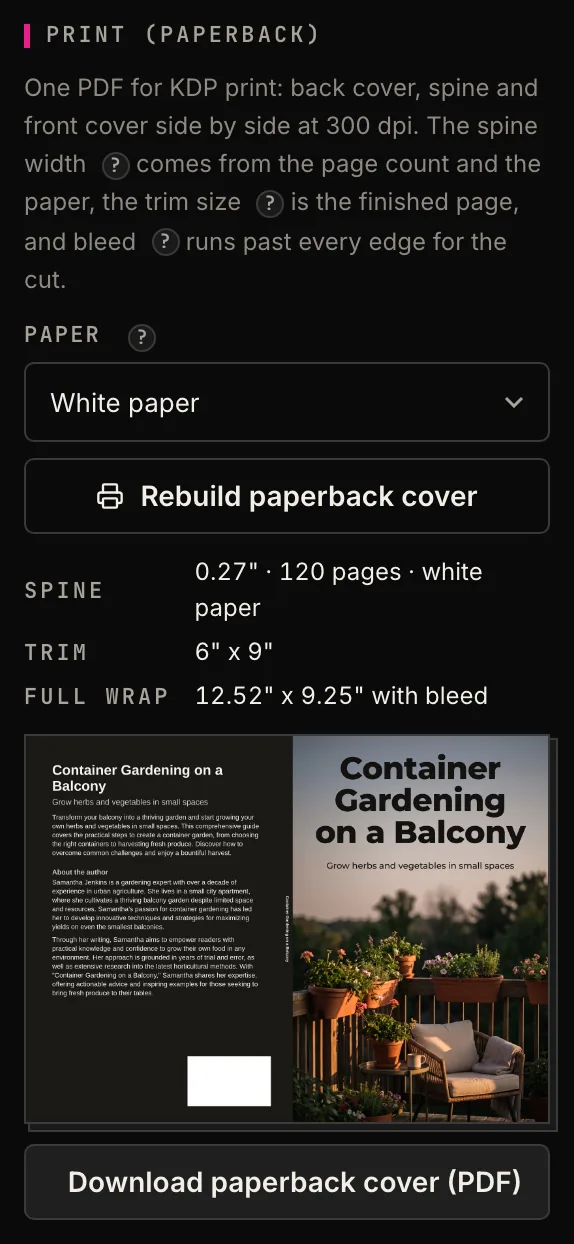
Spine text appears only from 79 pages, as KDP requires. Under that, the panel says "too thin for spine text" and the spine is left plain.
Guide: Ebook cover size for KDP and the other stores. Cover sizes for the ebook and the paperback.
In EbookForge
EPUB and PDF are built at the end of generation. If you edit a chapter or change the cover, click Build again so the download reflects your changes. Nothing can be built while the book is still generating.
Know which file goes where
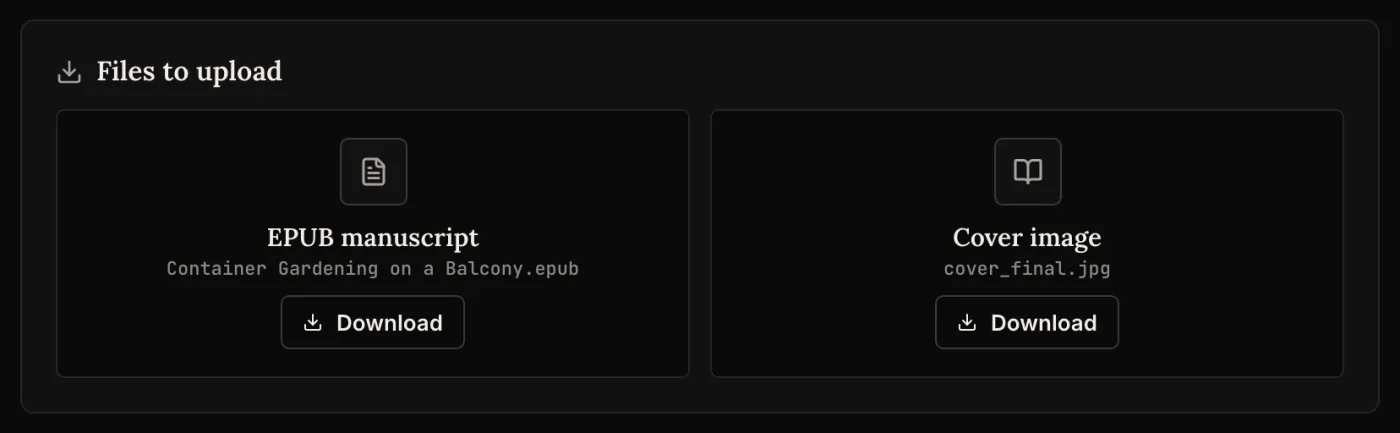
EPUB is the ebook: upload it to Amazon KDP, Apple Books, Kobo and most stores. PDF is for print previews, direct sales and lead magnets. DOCX is a Word file that KDP also accepts and that an editor can work in. The KDP guide lists the EPUB and the cover under Files to upload with their own download buttons.
Sources
The store rules above are as the stores’ own pages stated them on Nov 15, 2026. Stores change their rules: check the page before you rely on it. The EbookForge steps come from our help center.